Star Wars: Shatterpoint - Painting the Core Set Terrain
Hello there!
This will be a quick little jaunt out from the grimdark and instead to a long time ago, in a galaxy far, far away. Having recently enjoyed a massive sprint through a number of Star Wars medias (rewatching Empire Strikes Back, building some LEGO kits with my partner and playing some older Star Wars video games) I have decided to roll up my sleeves and grab the Force by its lapels. Having been metaphorically sat on the Shatterpoint core box for a few weeks, it felt time to get the terrain painted up so that I could then move onto some of the wonderful miniatures.
I’d built the terrain in the Core Set for Shatterpoint a few weeks ago, now felt a good time to get it primed and painted up. I know that I wanted to go for a Tatooine-esque scheme similar to the box art and so this would involve going from dark brown up to a sandy bone colour to ensure depth. Of course, the airbrush makes this go a lot foster but I’m confident an effect similar to this could be achieved with rattle cans and zenithal/overspraying.
A key thing I decided to keep in mind is that in Star Wars, not a lot of metal is portrayed as being shiny. If you go back and look at any of the movies or series you’ll see that metallics aren’t shiny very often, with the exception of some sparkling droids and caped captains. With this considered, I wanted to ensure that my terrain harkened to this.
Furthermore, despite the Shatterpoint terrain being slightly larger scale, these techniques can absolutely be applied to your Star Wars Legion terrain as well.
Base Colours
Having primed the terrain with Colour Forge Standard Grey, I then used the airbrush to go over nearly all surfaces that were to be sandy with Scale Colour’s Brown Leather. This covered all the surfaces and went into the recesses. You can use masking tape here to keep all the grey trim and structural elements from getting splattered, but this is nothing that some cleaning up won’t resolve.
I then coloured in the open surfaces with Scale Colour’s Thor Brown. This went over all the sand-coloured segments maintaining a little bit of brown in the crevices to give a sense of depth.
Finally, to break the back of this beast, I went over the flat sandy panels with Citadel’s Ushabti Bone in the airbrush. This lightens up all those building faces and gives them that dry, dusty colour.


Striping
This is my favourite bit to do on terrain to instantly add visual interest. Using 2 lines of masking tape I then stippled on some Citadel Mephiston Red and Kantor Blue between the tape strips using some packing foam. This gives a splash of colour (and also makes referencing the buildings easier) whilst also making the paint look battered and worn. I would advise anyone to give this a go in order to give their buildings an extra bit of flavour.


“Metals”
It feels so strange to be painting “metal” without metallic colours, but I’m sticking to my guns here. Any areas that were left Standard Grey from the primer can now be cleaned up with Citadel’s Mechanicus Standard Grey if there was any splatter from the airbrush. Even if the coverage isn’t perfect or patchy, don’t sweat it, this doesn’t need to be perfect.
From there I dryrbrushed (lightly, with some gentle stippling in places) a couple of different lighter greys in areas for some tonal highlight. This included Citadel’s Administratum Grey and Citadel’s Dawnstone. You can go a little sporadic here just to get them walkways and struts some visual variation.
The final edge highlight was a further drybrush of Administratum Grey to cover the sharpest edges and corners. You can even stipple some bits onto the corners to look more worn/chipped and cover up any patchiness from the prior clean-up. I had concerns here about the metal areas looking more like stonework, but the slight variation works to break this illusion.


Panels, Screens and Gubbins
It’s not a Star Wars scene without lots of greebling and miscellanious inputs. These were all done super simply and can be adjusted to your taste.
Screens - A few thin coats of Citadel Kabalite Green
Keypad Keys - Citadel Warpstone Glow (Green), Model Air Vallejo Ferrari Red, Citadel Administratum Grey
Panels and Coving - Citadel Mechanicus Standard Grey with some Citadel Basilicanum Grey to add depth around the keys
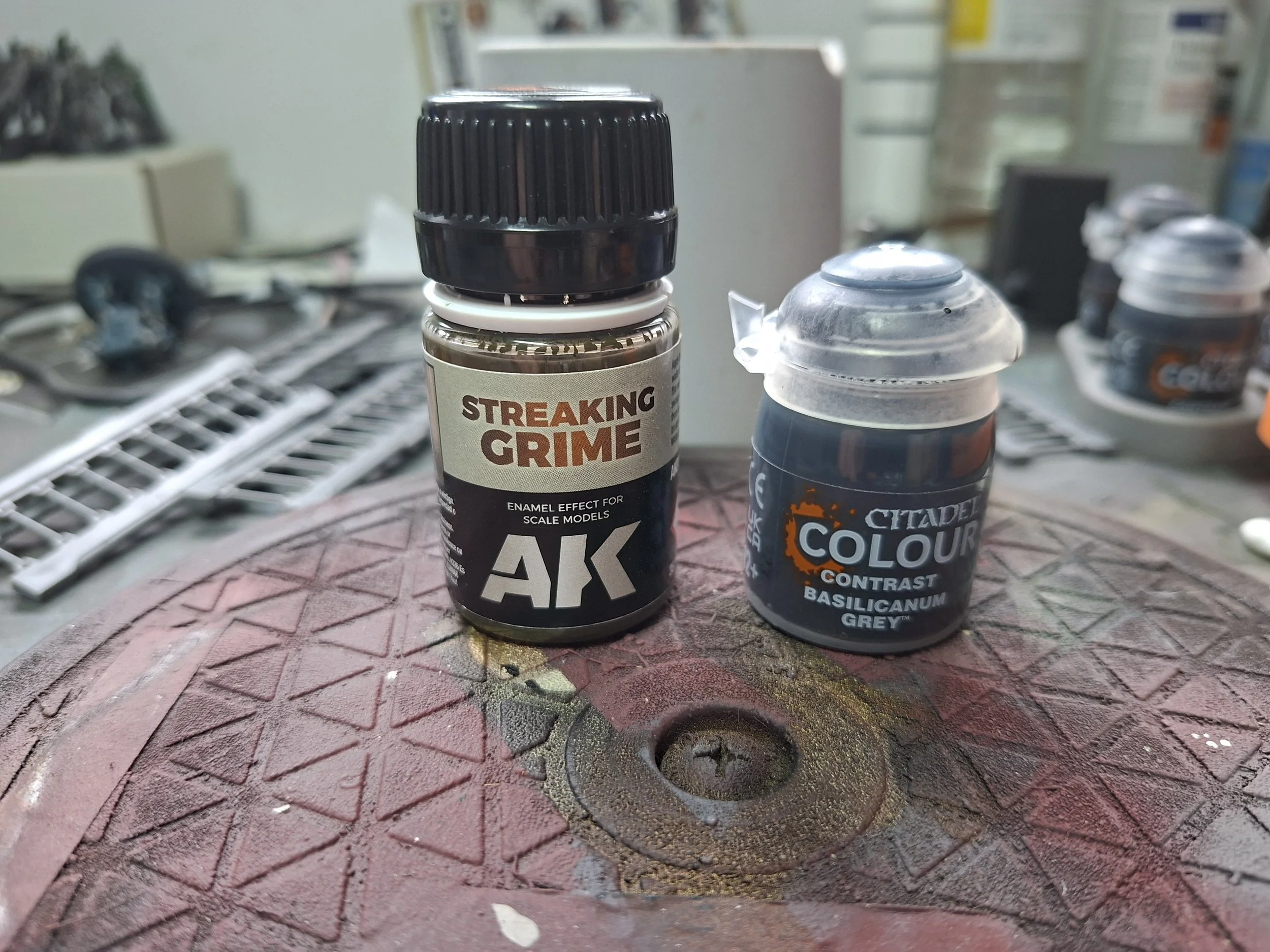
Pipes - Citadel Basilicanum Grey. I didn’t do all of them as they aren’t super noticable but you needn’t be as lazy as I am!
I used some AK Interactive Streaking Grime in a couple of places to look like mucky oil whilst also adding definition around panels and greebling. With that, it was done!



Ultimately, this was a very quick paint job with as few paints and minimal effort as possible. I wanted to spend a lesser amount of time on ther terrain as the focus will be on the miniatures. I’ve still got the walkways, crates and ladders to go - but those will be knocked out in no time at all.
Whether for your skirmish game needs or to scratch the itch for something grander like Star Wars Legion, these approaches allow you to tackle terrain like this with as few headaches as possible.
Don’t forget to tune into the Unrelenting socials:
Thanks very much for reading and may the Force be with you.